In this article
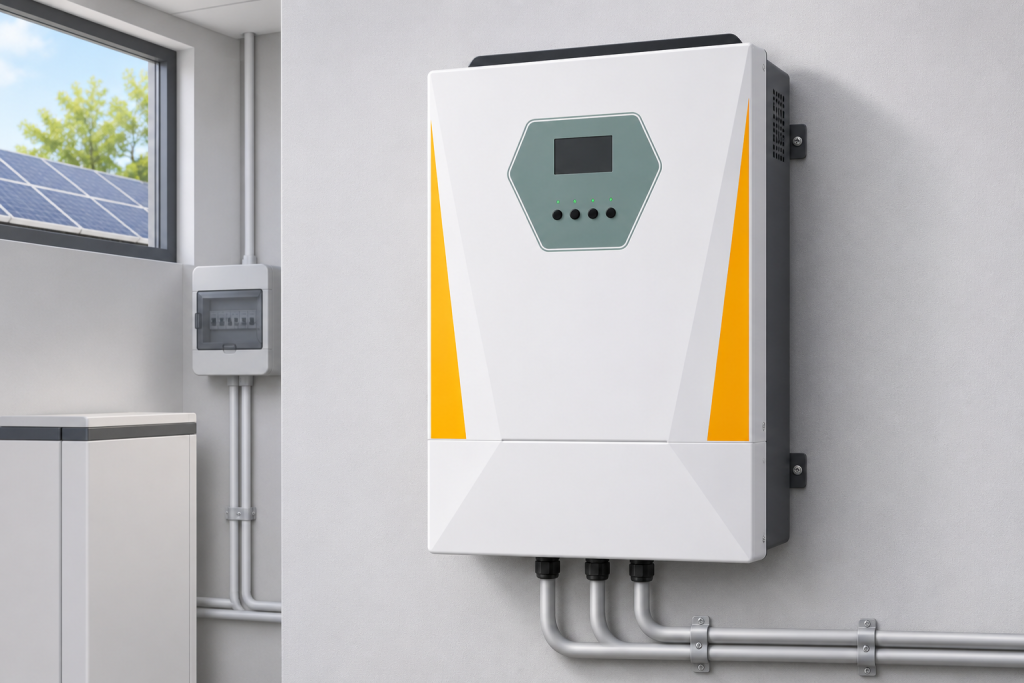
Solar inverter troubleshooting starts with three questions: is the site safe, what exact event has the inverter recorded, and which model manual applies? An alert can indicate grid conditions, PV input, battery communication, temperature or an internal fault. The same number can mean different things on different inverter families.
This guide helps owners and site operators collect evidence and decide when to contact a qualified installer or manufacturer. It does not replace the selected model’s operating manual. Electrical measurements, enclosure access, insulation testing and protection-setting changes belong to appropriately qualified personnel.
1. Recognize conditions that need immediate escalation
If there is smoke, a burning smell, arcing, exposed conductors, water entering equipment or severe physical damage, keep people away and use the site’s emergency response plan. Contact emergency services where necessary and the qualified service provider. Do not approach damaged equipment to read a label or operate an unfamiliar switch.
PV circuits may remain energized in daylight, and a hybrid system may have multiple sources including battery and grid. Do not open covers, unplug PV connectors under load, bypass protective devices or repeatedly reset a persistent alarm. Isolation order, discharge waiting time and verification of absence of voltage must come from the exact equipment documentation and the site’s approved procedure.
2. Identify the inverter and capture the original event
Record the exact model, serial number and firmware from the monitoring portal or an accessible label that can be read safely. Note whether the system is grid-tied, off-grid or hybrid, and whether it includes batteries or a backup output. Save the full event wording as well as its code before clearing any history.
Use the correct manual revision for that hardware and firmware. A manufacturer service table for a different brand can illustrate the types of protections that exist, but it cannot decode your unit. For example, the SMA manual cited below distinguishes grid, DC-input, insulation and internal events within its own product family; its event numbers are not CHANGYUAN fault codes.
- Record the timestamp and local time zone, first occurrence and recurrence pattern.
- Capture the complete display or app message, including any subcode.
- Note the operating mode, displayed power and battery state of charge, if available.
- Record weather, visible shading and any utility outage notice.
- List recent changes: added panels or loads, battery replacement, settings or firmware work.
3. Use a symptom-to-action triage table
The categories below guide evidence collection. They are possible investigation paths, not a diagnosis or a universal fault-code list. Use only existing displays, the app and safe external observations for the operator checks.
| Symptom or alert category | Safe evidence to collect | Qualified service investigation |
|---|---|---|
| No production or waiting state | Time of day, weather, displayed status, app last-update time and known grid availability. | Check the model’s start conditions and distinguish normal waiting from AC/DC supply or internal issues. |
| Grid voltage or frequency event | Event timestamps, utility notices and whether other site equipment was affected. | Assess grid and connection conditions against the approved local grid profile; coordinate with the utility where required. |
| PV overvoltage or input warning | Exact event, outside temperature and whether strings or modules recently changed. | Check string design and cold-condition open-circuit voltage against the exact inverter limits. No owner-side connector removal or live measurement. |
| Insulation, ground or residual-current alarm | Event wording, rain or moisture timing and safe photographs of visible external damage. | Apply model-specific isolation and diagnostic procedures to investigate array, cable, connector and equipment condition. |
| Overtemperature or reduced output | Ambient conditions, visible blocked clearance and displayed temperature if provided. | Assess installation clearances, cooling operation and derating limits. Arrange cleaning or repair under the manual’s procedure. |
| Battery/BMS communication warning | Battery and inverter models, displayed state of charge, communication status and recent configuration changes. | Confirm approved protocol, firmware, cable pinout and settings for the exact pairing. |
| Overload or backup-output trip | Which loads started, approximate load ratings and whether the event occurs only in backup mode. | Review continuous and starting loads, phase arrangement where relevant, and the selected output’s ratings. |
| Monitoring offline | Last portal update, normal site network availability and local display status. | Distinguish a communication outage from loss of conversion; check logger configuration without assuming the inverter has failed. |
4. Separate low yield from an inverter failure
A low reading is not enough to establish a faulty inverter. Compare comparable periods and operating conditions: morning and evening irradiance, clouds, shading, permitted export, battery charging and deliberate output limits can all change the observed power. A stale portal reading may reflect a network problem.
Compare the local display with the portal timestamp if both are safely accessible. Review the event history and commissioning records rather than expecting rated power at every moment. If output remains unexplained, send the data to the installer; do not change grid protection or PV wiring to test a theory.
For solar-plus-storage systems, the architecture also affects where power is measured. Our AC-coupled and DC-coupled storage guide explains the system context. Exported grid power is not always the same as total inverter output.
5. Check the selected CHANGYUAN configuration
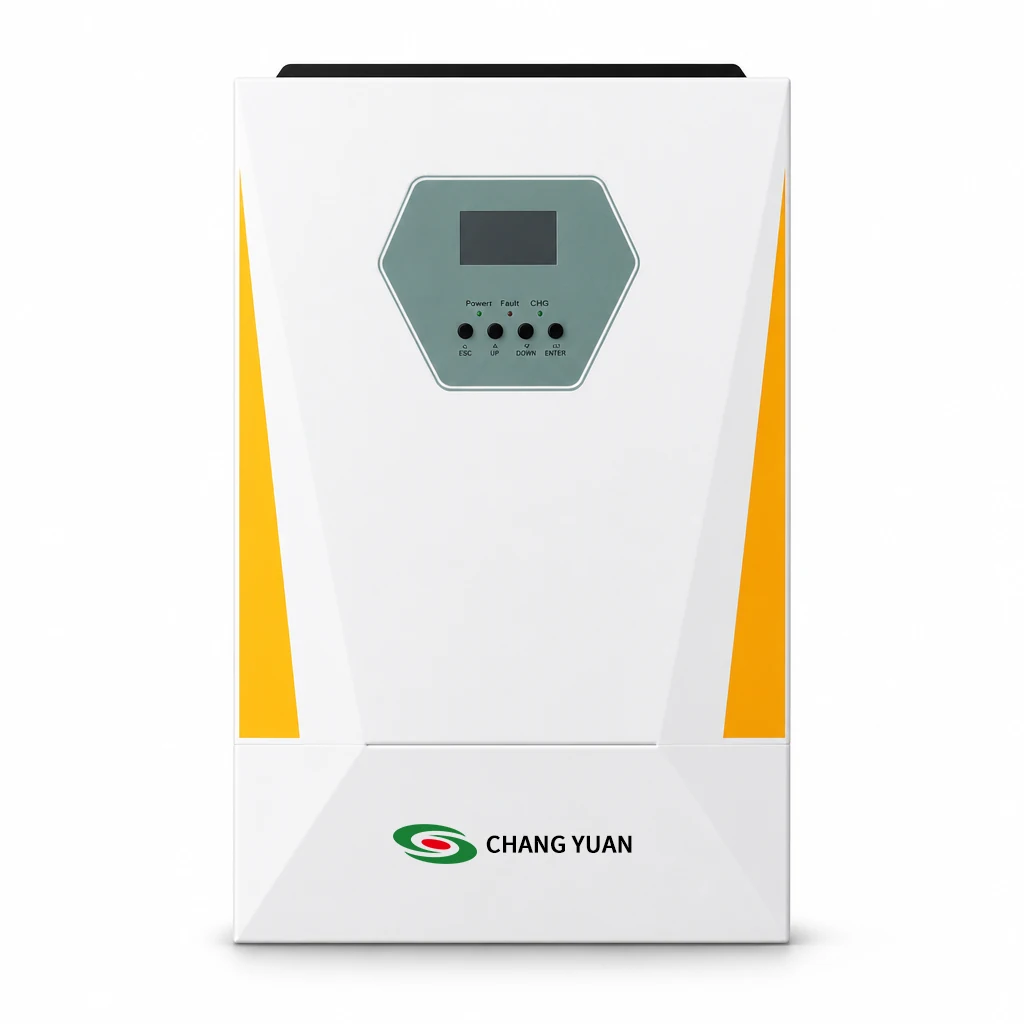
The current CHANGYUAN solar inverter product page describes a 6.2 kW hybrid configuration with a 48 V battery interface, dual MPPT, an LCD and multi-fan cooling. These listing details identify a configuration; they do not supply a complete fault-code dictionary or all electrical operating limits.
Before commissioning or service, obtain the exact unit’s manual and datasheet. Confirm maximum PV open-circuit voltage, MPPT operating range, input-current limits, battery operating range, communication protocol and firmware compatibility. A nominal 48 V battery label alone does not prove that two products can communicate or operate together.
Where RS485, CAN or Wi-Fi options are listed, confirm which hardware and protocol are supplied. Do not assume that matching connector shapes or interface names establish compatibility. For battery selection context, see our LiFePO4 solar battery selection guide.
6. Send a complete service evidence pack
A concise, structured report helps the service team identify the next authorized check. Share serial numbers and account-specific logs through the private service channel rather than posting them publicly.
| Report field | What to include |
|---|---|
| Equipment | Exact inverter model, serial, firmware, installation date and manual revision; battery and logger models if fitted. |
| Event | Code plus full wording, first occurrence, timestamps with time zone, recurrence and current status. |
| Conditions | Weather, known grid interruption, operating mode and loads running immediately before the event. |
| Evidence | Display/app screenshots, exported event history and safe external photos; label readings only if safely accessible. |
| Design record | Existing string schedule, single-line diagram and commissioning/settings record, supplied by the installer. |
| Changes and actions | Recent equipment/settings changes and actions already taken under the manual; do not clear or conceal repeat alarms. |
Ask the service team to specify the relevant manual section, whether operation can continue, who may perform the next step and what evidence will confirm recovery. Keep the service case reference with the maintenance record.
7. Verify recovery and reduce repeat events
After qualified service, confirm the cause, the authorized corrective action and any commissioning checks required by the manufacturer. Check that the event does not recur under comparable operating conditions and that local readings and monitoring timestamps are consistent. One successful restart does not explain an intermittent fault.
Follow the model’s maintenance schedule for external condition, ventilation and cooling service. Preserve baseline settings and update records. Reassess string design, battery compatibility and starting loads before future equipment changes. Include these documents in the solar and storage procurement checklist so troubleshooting does not begin with missing information.
Frequently asked questions
Should I restart the inverter when an alarm appears?
Only follow the exact model’s user instructions and the site’s procedure. Some conditions require qualified investigation before reconnection. A generic internet restart sequence is not suitable for every system.
Does an offline app mean the inverter is faulty?
No. Monitoring and power conversion are different functions. Record the last update and local status, then ask service to distinguish network, logger and inverter issues.
Can I use another manufacturer’s fault-code chart?
Use it only as background reading about event categories. Decode the code using the manual for your exact unit, revision and firmware.
What if an insulation alarm disappears when the weather dries?
Keep the event history and rain timing and contact qualified service. An intermittent alarm still needs investigation; do not treat its disappearance as proof that the installation is sound.
Sources and scope
- SMA official manual: Error Messages — examples of event categories and model-specific service escalation; not a CHANGYUAN code reference.
- SMA technical information: Insulation Resistance — background for qualified investigation of insulation faults.
- CHANGYUAN solar inverter product page — listed configuration; exact supplied-model documentation remains necessary.
Discuss your application.
Share your equipment scope, electrical supply and operating priorities.
Prepare an enquiry